Is there a free dictation app for Mac?
Yes. Undersay is free and open source under the MIT license: no paid tier, no trial, no account. macOS also has Apple Dictation built in; Undersay adds hold-to-talk in any app, meeting recording and speaker recognition.
How is it different from Apple Dictation?
You hold fn while you speak and the text lands when you let go, in any app. It's transcribed by NVIDIA's Parakeet model on the Neural Engine, lays out greetings, paragraphs and lists for you, keeps a history, and also records and transcribes meetings.
Does it work offline? Does any audio leave my Mac?
It works offline. After a one-time download of the open-source speech model, dictation, meeting transcription, speaker identification and summaries all run on your Mac. No audio, text or voice print is ever uploaded.
What's a free alternative to Wispr Flow, superwhisper or MacWhisper?
Undersay is a free, open-source alternative that runs entirely on your Mac. It combines push-to-talk dictation and meeting transcription in one app and remembers people across meetings by their voice.
Can it transcribe Zoom, Teams and Google Meet calls? Does a bot join?
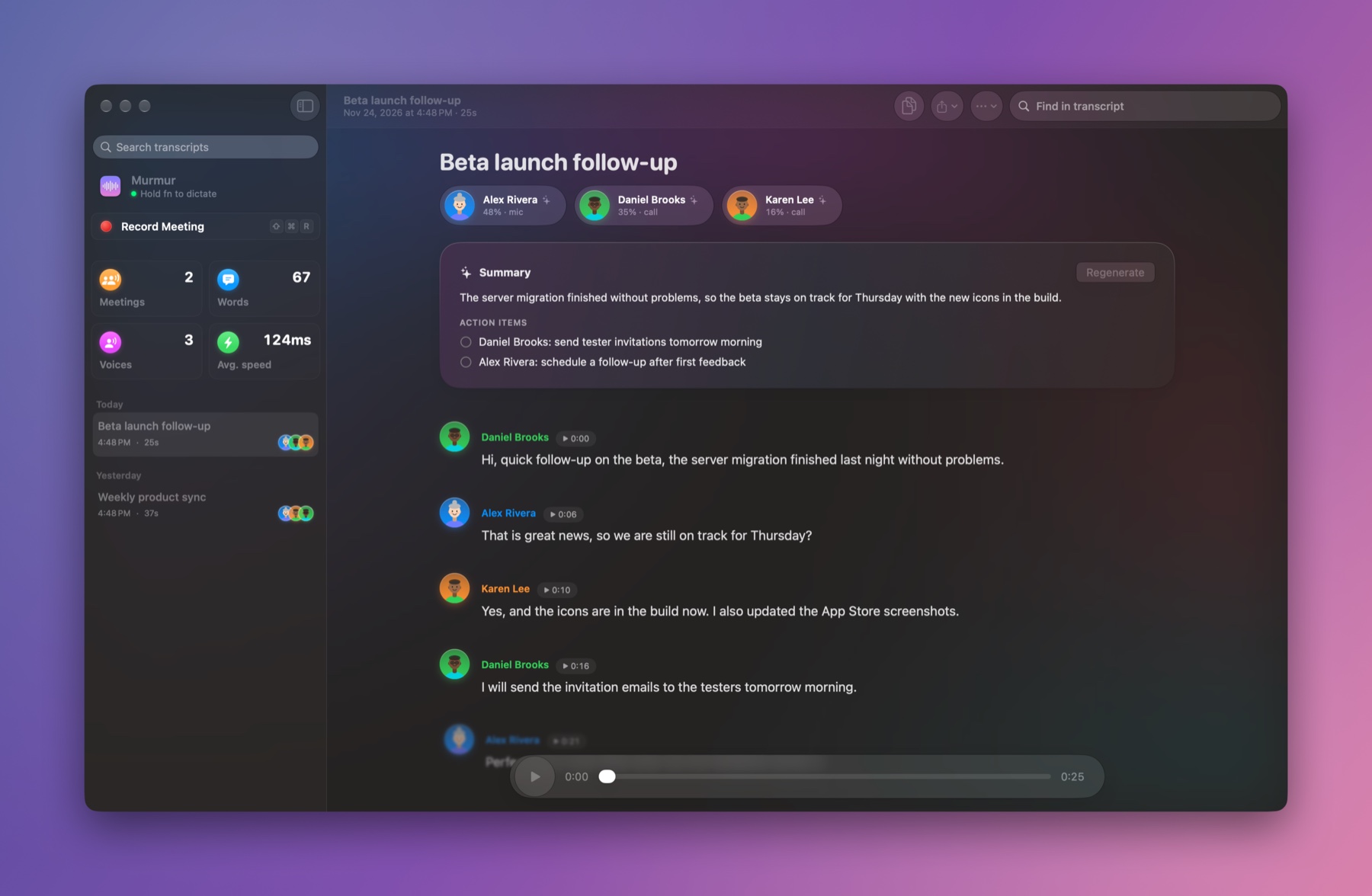
Yes, and no bot joins. Undersay records the call's audio through a Core Audio process tap and your microphone on a separate track, so it can tell you apart from the people on the call.
Why doesn't it need screen-recording permission?
It only captures audio. macOS lets apps record system audio with the System Audio Recording permission, so Undersay never sees your screen.
How does it know who said what?
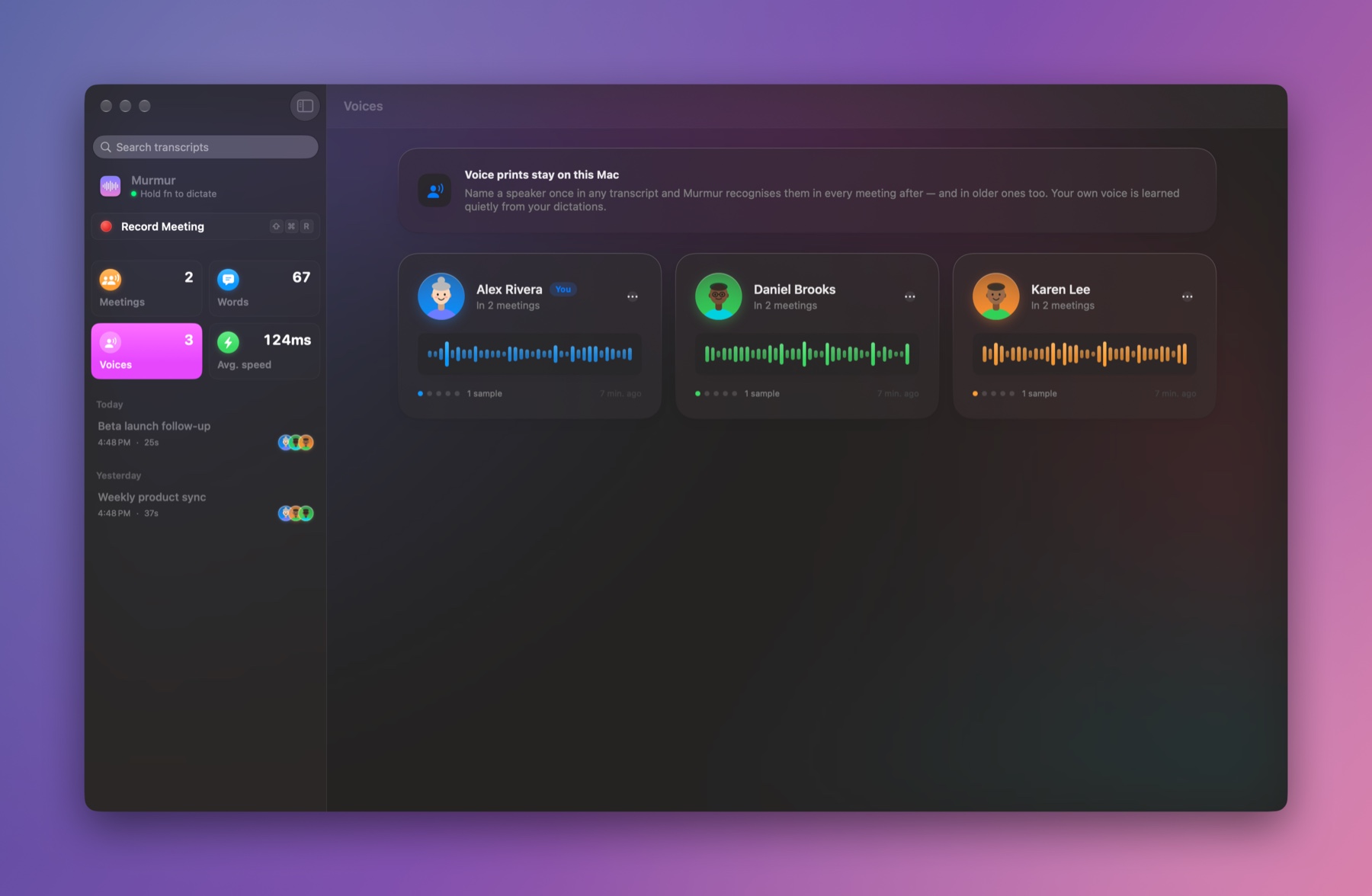
It separates the voices in each recording and compares them with voice prints you've named before. A voice print is a list of numbers that describes a voice; it's stored only on your Mac and you can rename or forget it at any time.
Which Macs does it run on?
Apple Silicon Macs (M1 or later) running macOS 26 or later. Intel Macs aren't supported. Summaries need Apple Intelligence to be turned on.
Why does macOS say it can't verify the developer?
This early version isn't notarized by Apple yet. Open System Settings → Privacy & Security and click Open Anyway once; after that it opens normally.
Which languages does it support?
The default Parakeet Ultra model understands 25 European languages, including English, German, French, Spanish and Italian. An English-only model is available in Settings.
Is it really free? What's the catch?
There isn't one. It's MIT-licensed open source with no account, no server and no tracking. Everything is on GitHub.